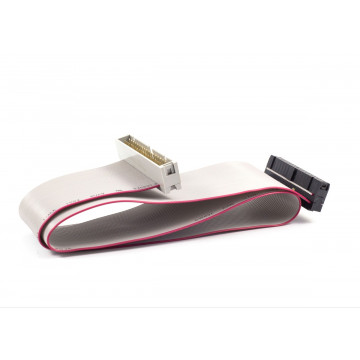
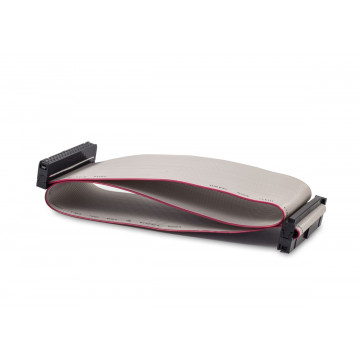
USB Floppy Drive Emulator with HE34 connector

Delivery information

Returns policy

Warranty information
It is a very smart device designed by Jean-François DEL NERO. It allows you to emulate any 34-pin floppy disk drive. The SD Card HxC Floppy Emulator can replace different kinds of floppy disk drives and allows you use SD Card media instead of floppy disks. This emulator can be used with Amiga, Atari, CPC, PC computers, different keyboards and samplers, CNC machine tools, and scientific instruments.
USB Emulator needs PC with a free USB port to act as a file feeder. The device is READ ONLY.
The device is equipped with a buzzer indicating floppy drive activity. It can be switched off with the jumper.
Dimensions of the device is 45 mm x 65 mm x 18 mm.
You might also like
USB Floppy Drive Emulator with HE34 connector