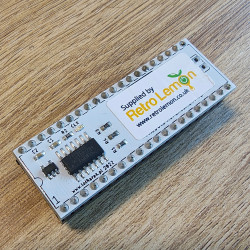
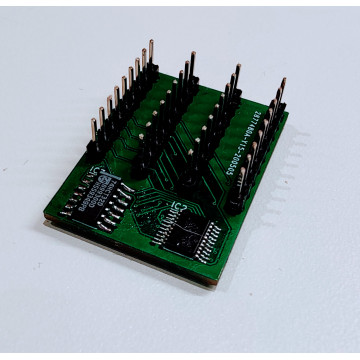
SRAM MODULE is the first step to help ATARI owners to repair their computers at home, as in most of the cases dynamic RAM is faulty.
FEATURES:
- replaces base 64KB RAM in all 8-bit Ataris
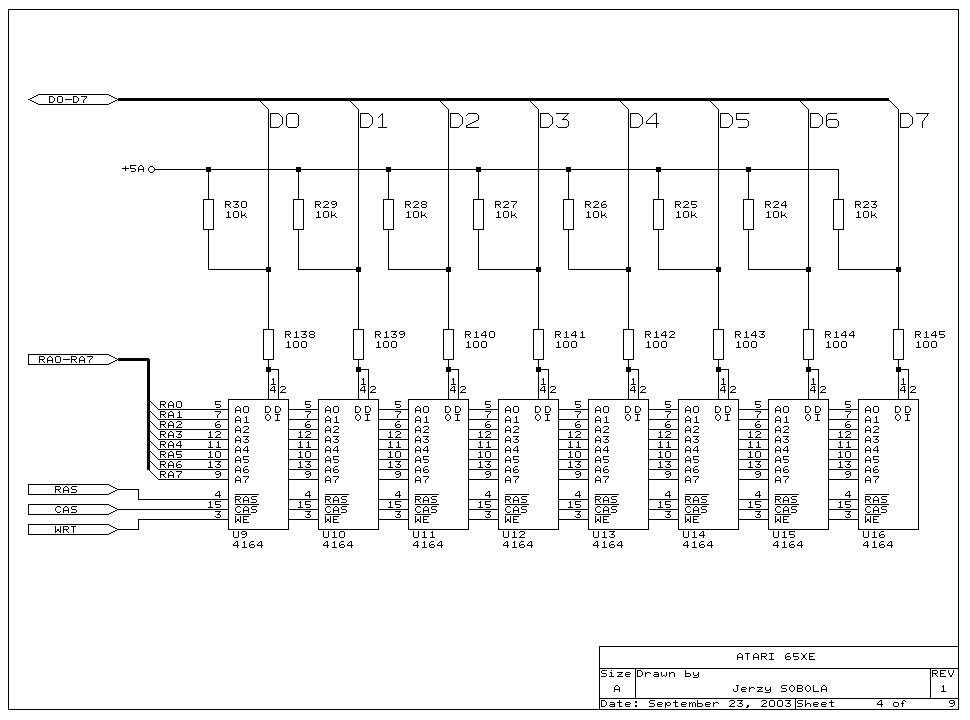
- replaces broken DELAY LINE chip in XL computers and many more ICs - refer to schematics below
- upgrades RAM in Atari 600XL to 64KB
- PCB thickness is 0.8mm
- Ultimate 1MB connector
- VBXE IRQ connector
- must have upgrade if you are installing Rapidus accelerator
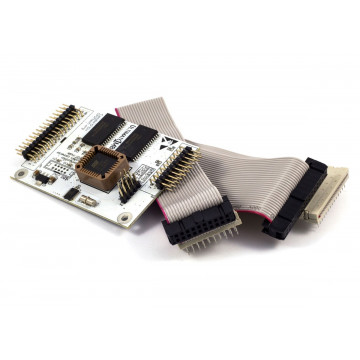
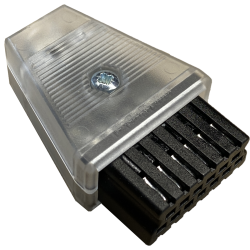
IN THE BOX
Disclaimer:
If you are not familiar with soldering or you do not have proper tools, we can install the expansion for you. Please contact us to arrange installation.
If you are installing the device yourself, we will not take any responsibility for any damage to your hardware and the device will NOT be subject of any kind of warranty.
Step by step:
- remove old RAM chips (hint: this is actually not necessary; if your RAM chips do not get hot, you can remove resistors on data lines to RAM and keep chips intact)
- install SRAM module under main CPU
- insert CPU to SRAM module
- Please refer to VBXE fitting manual to locate following signals on your motherboard:
- EXTSEL (EXT solder point on the SRAM module)
- CasInh (CI solder point on the SRAM module)
- Make at least one connection between CI point on the SRAM module to CAS_INHIBIT signal on Atari motherboard
- EXT / Extension Select - EXTSEL signal is not needed to boot up the Atari, but some upgrades may needed it, especially all PBIs connected expansions: Rapidus, VBXE with RAM cores, etc
- Pin 1 of the SRAM module is below IRQ_VBXE hole; bottom left on the picture.

SRAM module completely replaces below parts that can be actually eliminated now.
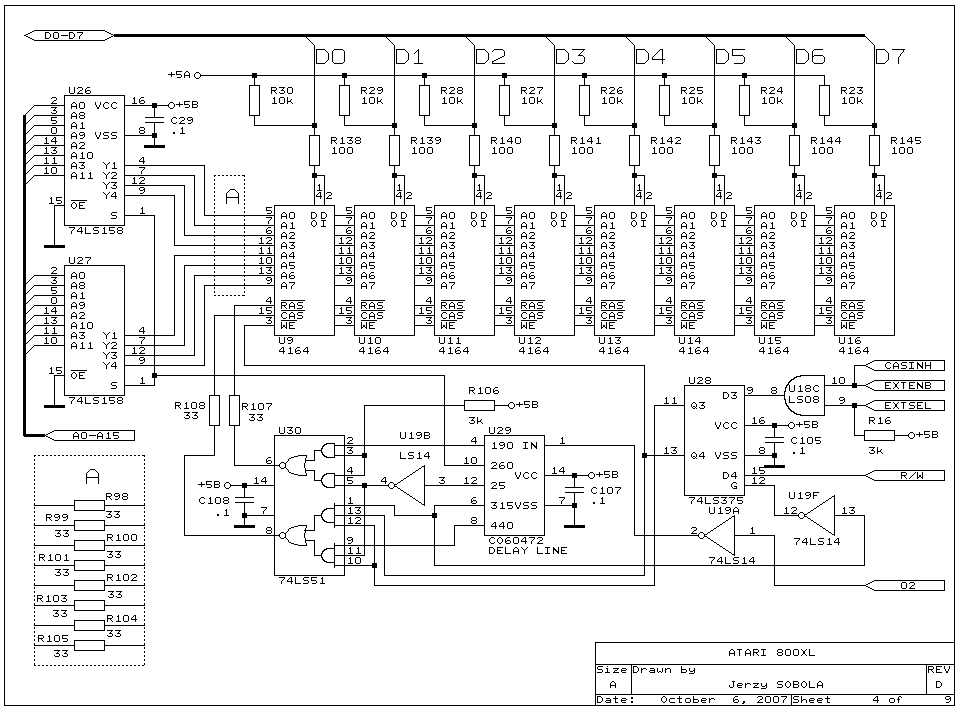
- XE (and majority of FREDDIE chip, than can be now replaced even with CLK_DIVIDER ilt upon TTL 74)