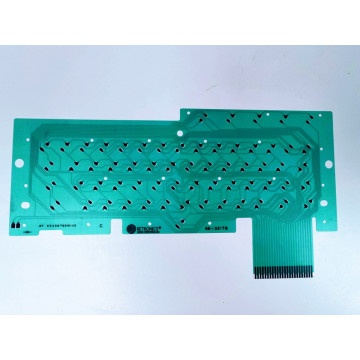
AKI PS2 keyboard interface
search
  • AKI PS2 keyboard interface
  • AKI PS2 keyboard interface
  • AKI PS2 keyboard interface
AKI PS2 keyboard interface
AKI PS2 keyboard interface AKI PS2 keyboard interface AKI PS2 keyboard interface

AKI PS2 keyboard interface

£24.00
VAT included Free delivery

Atari PS2 Keyboard Interface

Quantity
In stock


Delivery information


Returns policy


Warranty information

AKIAtari - Keyboard - Interface

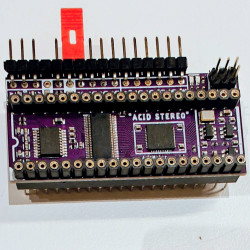
Interface plugged between POKEY CHIP and ATARI motherboard, that allows connecting PS2 keyboard.


Project based on: 

  •  DARKAKI by DarkDK © 2008 (hardware and software)
  •  AKI 1.1 by André Bertram
  •  XAKI 1.03-1.05 by DarkDK for  StereoAKI by Pajero.


IN THE BOX

  • AKI upgrade PCB 
  • PS/2 socket  


Disclaimer: 

If you are not familiar with soldering or you do not have proper tools, we can install the expansion for you. Please contact us to arrange installation.

If you are installing the device yourself, we will not take any responsibility for any damage to your hardware and the device will NOT be subject of any kind of warranty.


Step by step:

  1. Desolder/remove Pokey chip
  2. Insert AKI into the Pokey socket
  3. Insert Pokey back into AKI
  4. Make connection of 4 wires to motherboard for function keys.

    AKI signal

    where to connect

    START (SV1 pin 1)

    left side of R134

    SELECT (SV1 pin 2)

    left side of R135

    OPTION (SV1 pin 3)

    left side of R136

    RESET (SV1 pin 4)

    left side of L14


    AKI PS2 connections for function keys

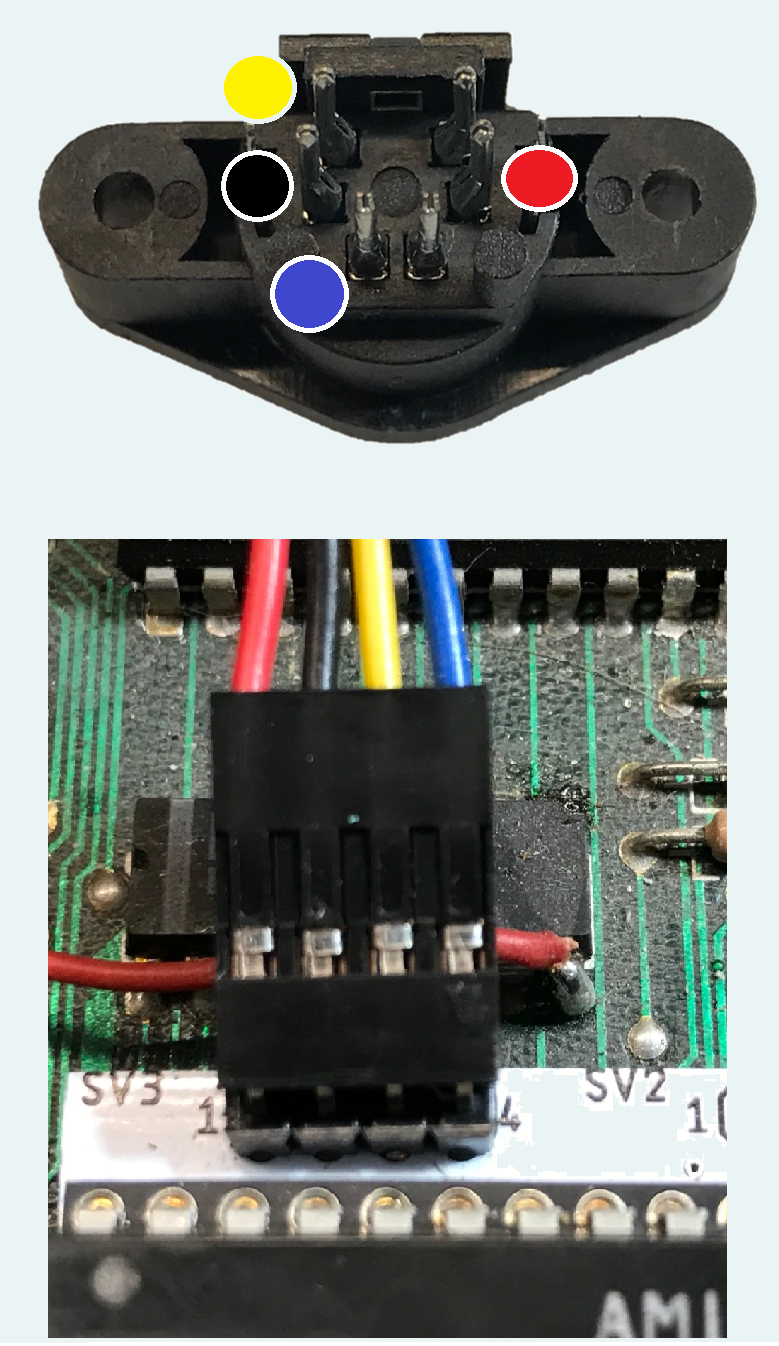
  5. Drill a hole in Atari case, fit PS2 socket and connect to 4 wires to SV3 connector (4 pin header with keyboard icon).

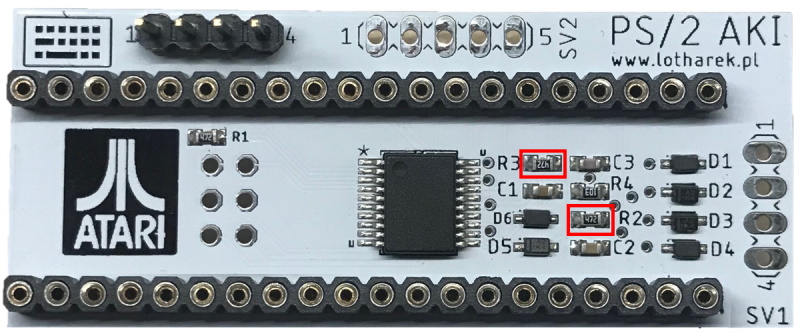
  6. For Atari XL only: if internal keyboard stopped working after fitting AKI, it is necessary to remove R2 and R3 pull up resistors:
    AKI PS/2 - R2 and R3 resistors
  7. ready :-)

AKIPS2

You might also like