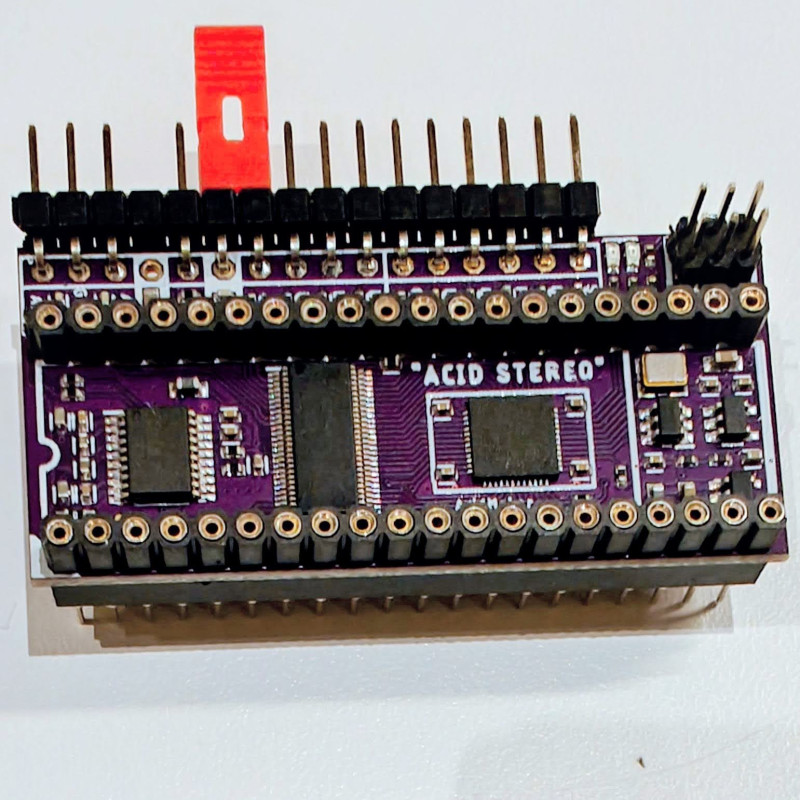
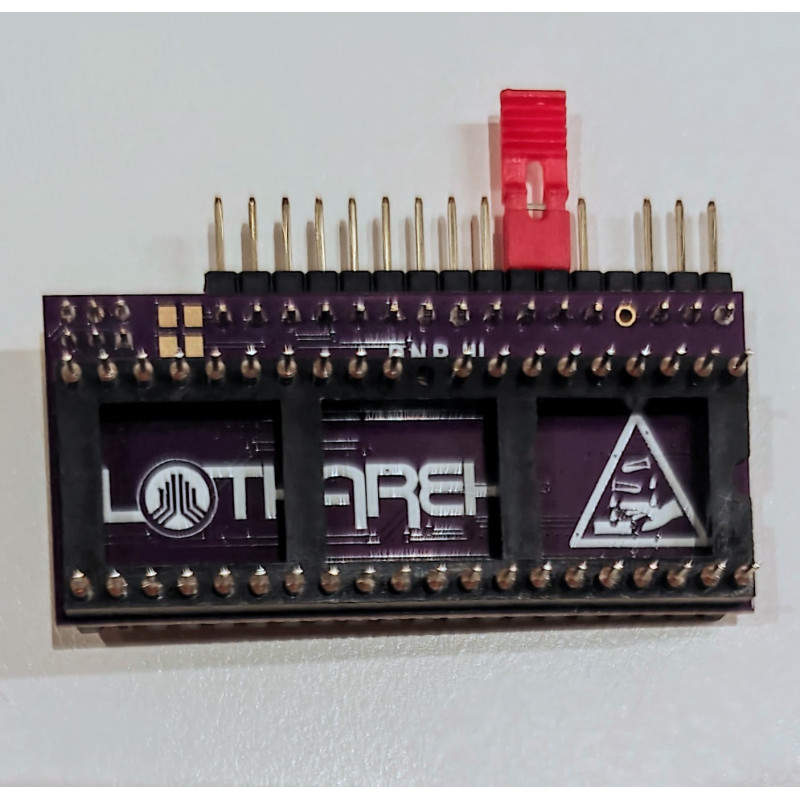
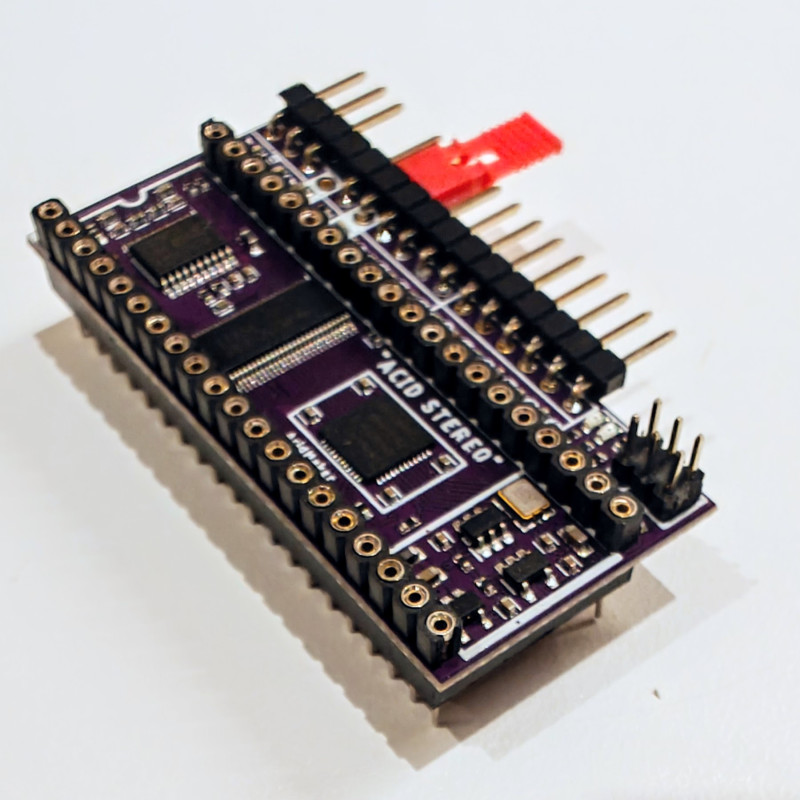
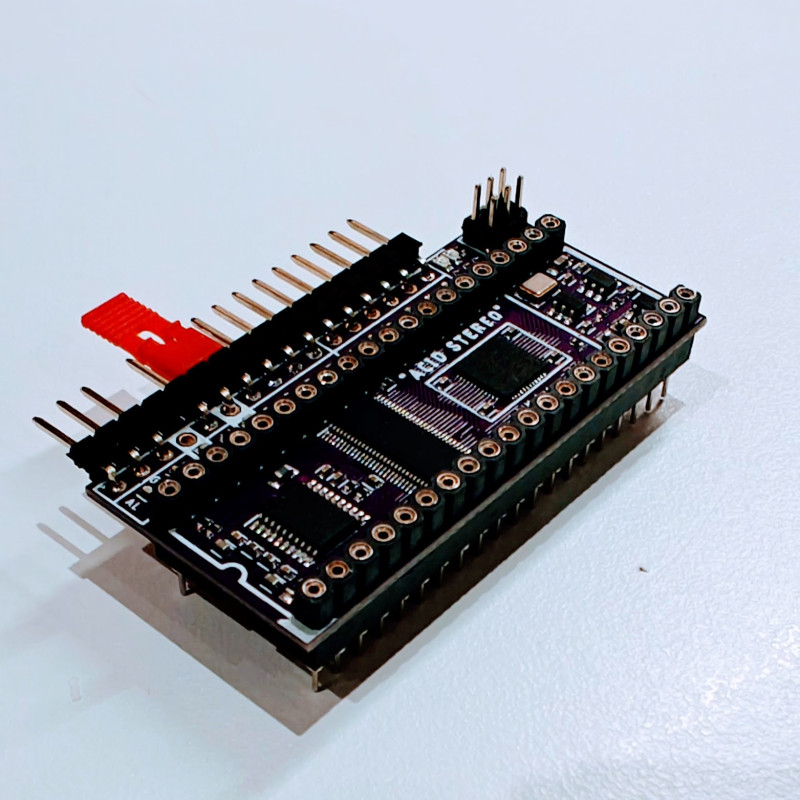
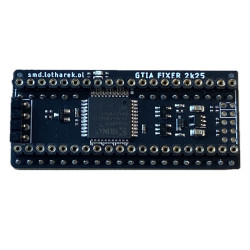
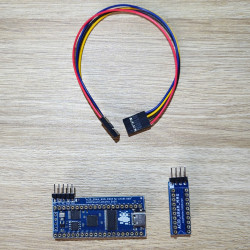
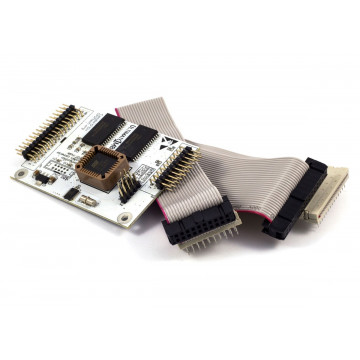
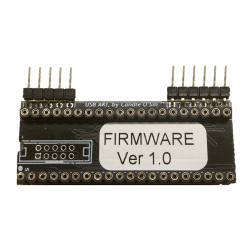
Pokey chips for Atari 8-bit computers are very rare these days and extremely hard to buy, but since there are many programs out there which utilise second Pokey chip to play stereo sound or 8 channels music, Lotharek and AcidMaker created together an ACID STEREO upgrade for all Atari 8-bit systems!
This upgrade utilizes the original Pokey chip and adds extra functionality implemented inside the FPGA - a perfect marriage of old-school and modern electronics.
MAIN FEATURES
- Uses the original Pokey chip for SIO operations, potentiometers (POTs) and keyboard functions
- Integrates extra 2 Pokeys and 4 Covox chips inside the FPGA
- Dedicated 32-bit, 384 kHz DAC for superior sound output
- Proper audio source mixing:
- PBI and SIO audio are converted from analog to digital via two ADCs
- Mixed digitally inside the FPGA
- Output sent to the DAC for crystal-clear sound
- 2-layer PCB, slightly larger than the original Pokey chip
- Mono productions are played in stereo mode with channel interpolation (2 selectable modes) - check out the videos above to hear it yourself
- Stereo productions sound exactly as intended - but with one major improvement: no humming in the speakers from your Atari!
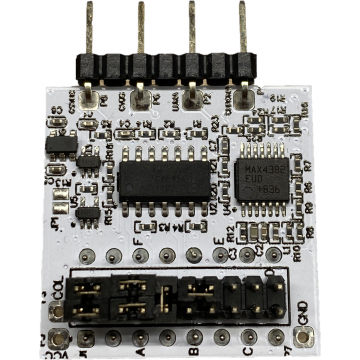
PINOUT

- Output:
- AL - audio left (1)
- GND - ground (2)
- AR - audio right (3)
- GND - ground (4)
- MONO output (5) - can be used to connect to monitor port inside Atari
- GND - ground (6)
- Inputs:
- A4 - address line (present in many places at the Atari motherboard, for example CPU pin 13) - this is the only wire that needs to be connected for basic functionality, however it is recommended to connect the rest of the signals below for best experience
- Bell - analog input from GTIA to get keyboard sounds
- Dxx - address page for COVOX (connect to 74LS138 on Atari motherboard: pin 9 for $D6xx or pin 7 for $D7xx)
- DI1 - Single POKEY stereo mode
- open (default): single POKEY output is stereo
- short to GND: single POKEY output is mono
- Note: This jumper has no effect in dual POKEY mode, which is always stereo
- DI2 - Covox channel mixing
- open (default): weighted stereo mixing
- short: direct channel assignment
- SIO - SIO bus audio input
- PBI - PBI bus audio input
- GND - common ground
Please note: pin 31 in the ACID Stereo is intentionally not connected! Please double-check that it is isolated from the Atari motherboard.
Installation manual
This is a short version - full version available in the Downloads section above:
- Install the PCB with the jumper on A4 fitted, and connect AL and AR to your stereo output. The Atari plays the original Pokey on both channels (mono sound on left and right).
- Remove the jumper on A4 and connect A4 pin to the address bus. This enables the second (emulated) Pokey for proper stereo output.
- Connect D6xx to Dxx. This enables the Covox DAC.
- Remove C19, C22, and R8.
- Connect PBI and SIO audio (C22, C19) using a shielded cable.
- Connect the BELL signal from GTIA.
- Connect Audio Mono to AUDIO OUT (R8/R10).
Firmware available at Lotharek's website.