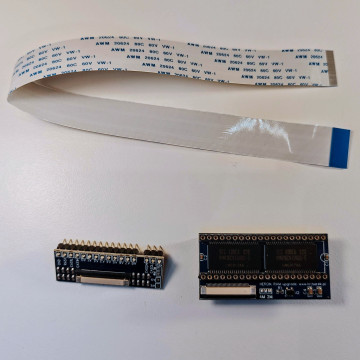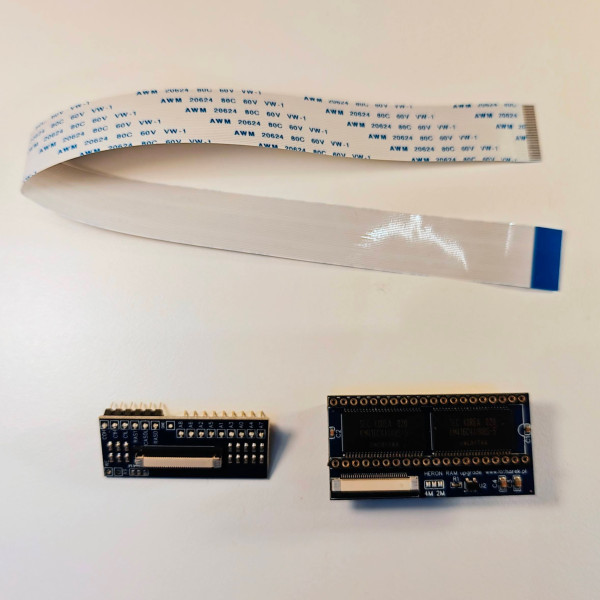
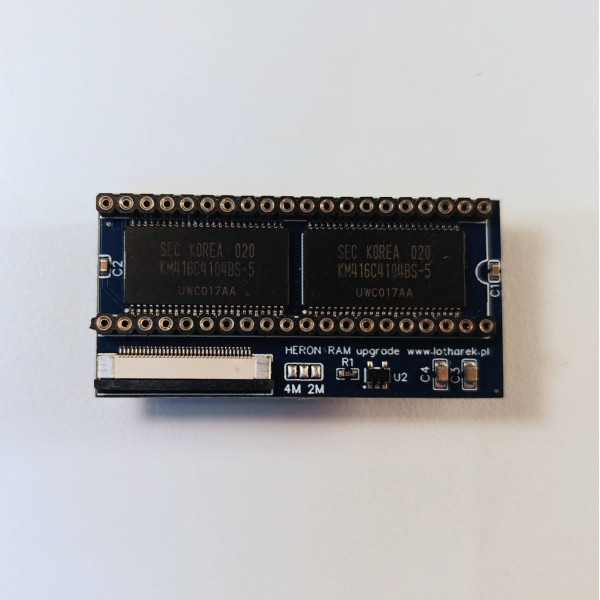
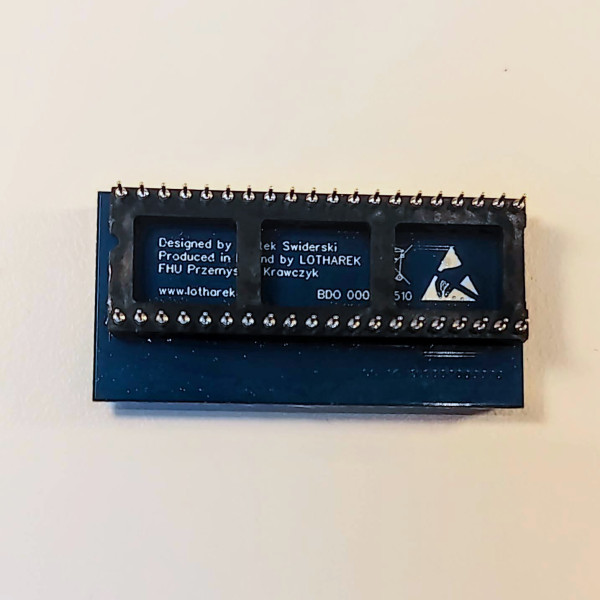
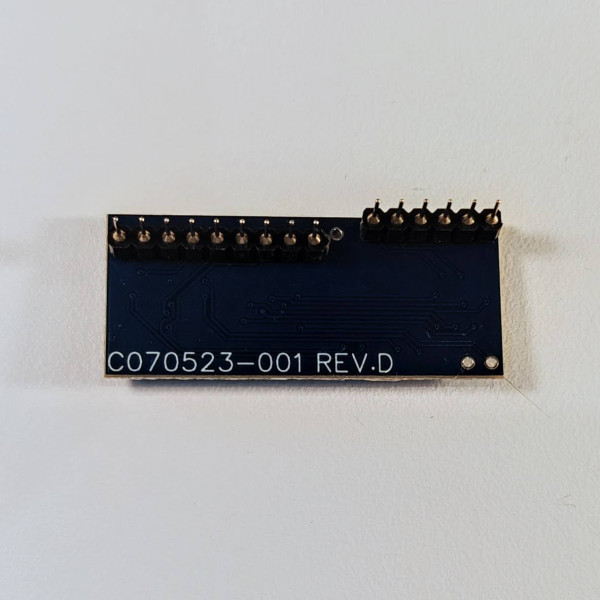


Heron 4MB RAM expansion with adapter for motherboards marked C070523-001

Delivery information

Returns policy

Warranty information
Heron 4MB is RAM expansion for Atari ST / STM / STF / STFM / Mega ST. It was designed by Bartek Swiderski and is manufactured by Lotharek.
Please note: there are few versions of this expansion designed for different revisions of Atari ST motherboard. This will work only with motherboards marked C070523-001. Please check what motherboard revision you have before purchasing.
Available versions of Heron 4MB:
Heron RAM expansion board offers 16 MB RAM. Due to the hardware limitation of the memory management system offered by the original MMU chip, Atari ST can only use 4 MB. However after replacing the MMU with RemakeMMU (in development) one will have 10 MB (Mega ST) or even 14 MB RAM.
Disclaimer:
If you are not familiar with soldering or you do not have proper tools, we can install the expansion for you. Please contact us to arrange installation.
If you are installing the device yourself, we will not take any responsibility for any damage to your hardware and the device will NOT be subject of any kind of warranty.
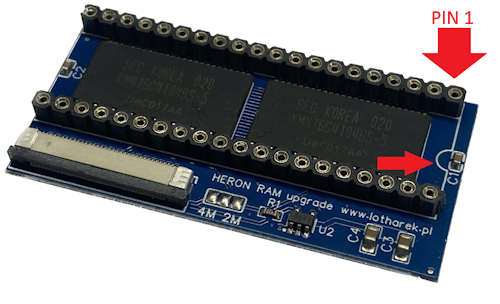
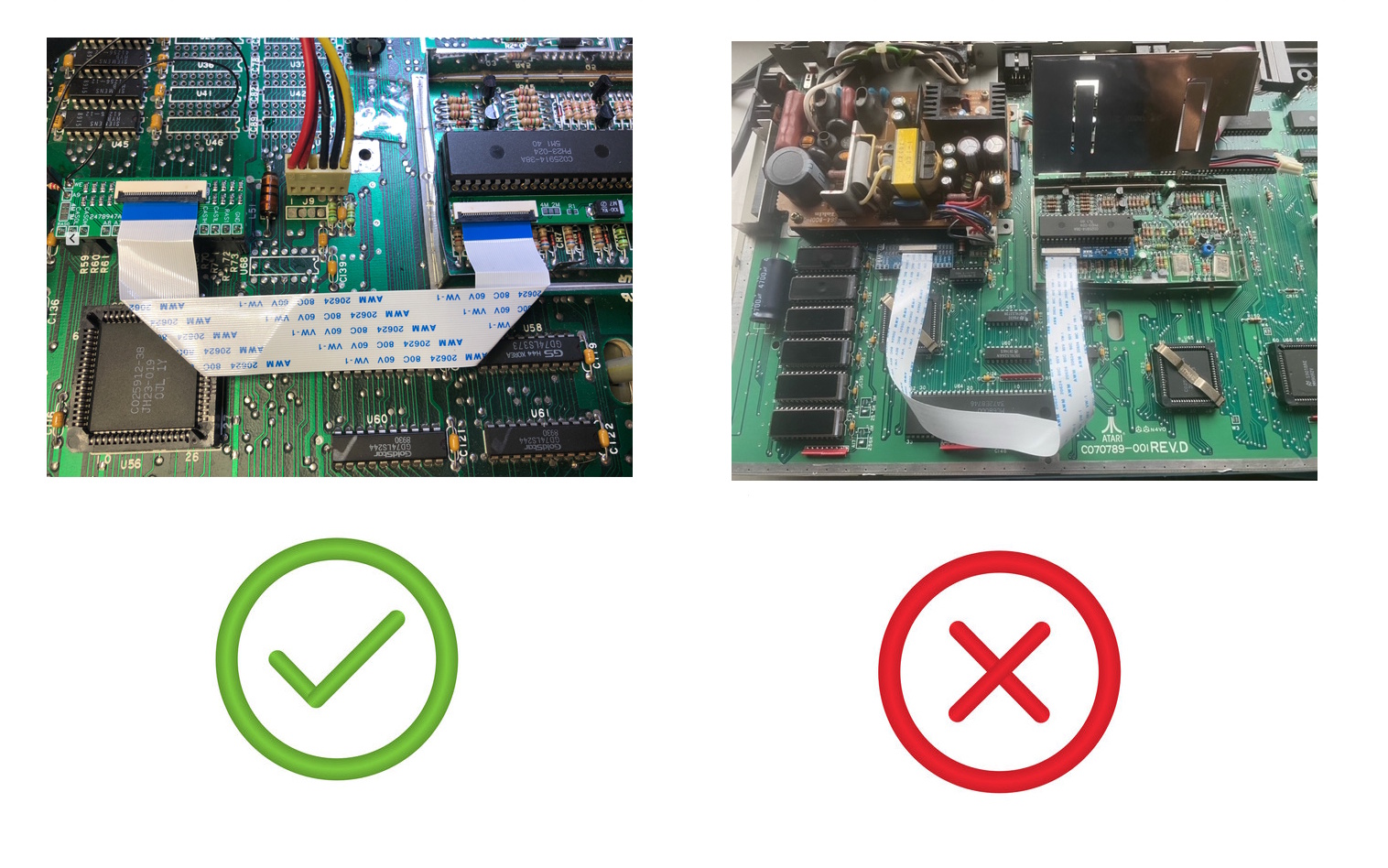
Installation instruction (please refer to detailed instruction available in Downloads tab above)
Inside the box:
You might also like
Heron 4MB RAM expansion with adapter for motherboards marked C070523-001