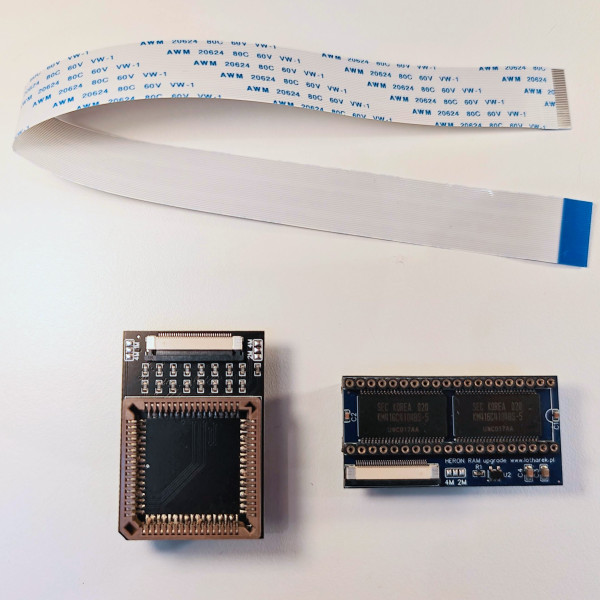
Heron 4MB_UNIVERSAL
search
  • Heron 4MB_UNIVERSAL
  • Heron 4MB_UNIVERSAL
  • Heron 4MB_UNIVERSAL
  • Heron 4MB_UNIVERSAL
  • Heron 4MB_UNIVERSAL
Heron 4MB_UNIVERSAL
Heron 4MB_UNIVERSAL Heron 4MB_UNIVERSAL Heron 4MB_UNIVERSAL Heron 4MB_UNIVERSAL Heron 4MB_UNIVERSAL

Heron 4MB_UNIVERSAL

£68.00
VAT included Free delivery

Heron 4MB RAM expansion with universal adapter

Quantity
In stock


Delivery information


Returns policy


Warranty information

Heron 4MB is RAM expansion for Atari ST / STM / STF / STFM / Mega ST. It was designed by Bartek Swiderski and is manufactured by Lotharek.


Please note: there are few versions of this expansion designed for different revisions of Atari ST motherboard. This is a version with universal adapter, which should be used if you have motherboard revision not listed below and your MMU is socketed. Please check what motherboard revision you have before purchasing.


Available versions of Heron 4MB:

  • Heron 4MB_70789 - for Atari ST with motherboard marked C070789-001
  • Heron 4MB_70523 - for Atari ST with motherboard marked C070523-001
  • Heron 4MB_70859 - for Atari ST with motherboard marked C070859-001 (adapter in development)
  • Heron 4MB_03414 - for Atari ST with motherboard marked C103414-001 (adapter in development)
  • Heron 4MB_UNIVERSAL - for Atari ST motherboards not listed above and with socketed MMU


Heron RAM expansion board offers 16 MB RAM. Due to the hardware limitation of the memory management system offered by the original MMU chip, Atari ST can only use 4 MB. However after replacing the MMU with RemakeMMU (in development) one will have 10 MB (Mega ST) or even 14 MB RAM


Disclaimer: 

If you are not familiar with soldering or you do not have proper tools, we can install the expansion for you. Please contact us to arrange installation.

If you are installing the device yourself, we will not take any responsibility for any damage to your hardware and the device will NOT be subject of any kind of warranty.


Installation instruction (please refer to detailed instruction available in Downloads tab above)
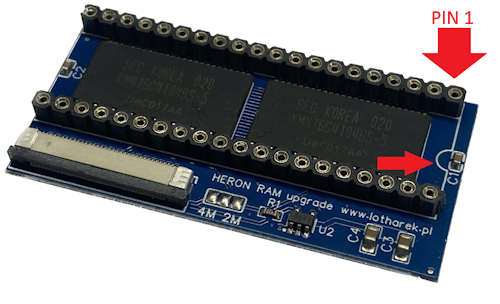
  • Remove Shifter from its socket (or desolder it and install new precision DIP socket)
  • Insert Heron's main PCB in place of Shifter chip - be careful with orientation
    Heron 4MB pin 1 orientation
  • Insert Shifter back into Heron's top socket
  • Remove MMU from its socket
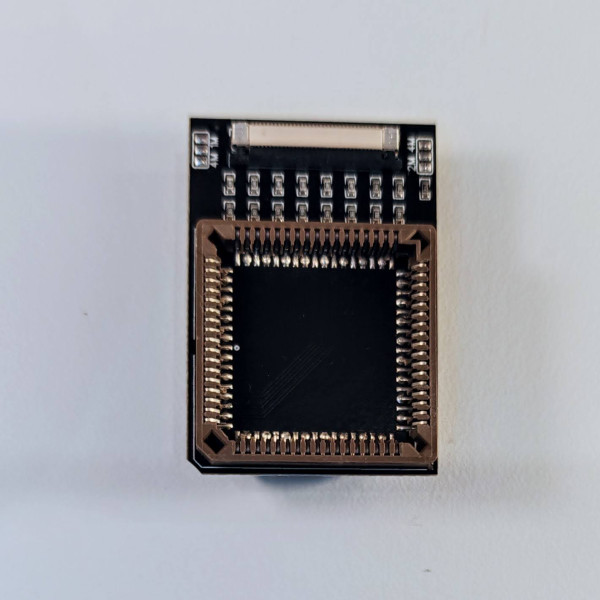
  • Desolder original MMU socket and solder supplied adapter (second PCB)
  • Insert your MMU into the socket in the adapter
  • Disable built in RAM using 4k7 resistors (RAS0 and RAS1 signals)
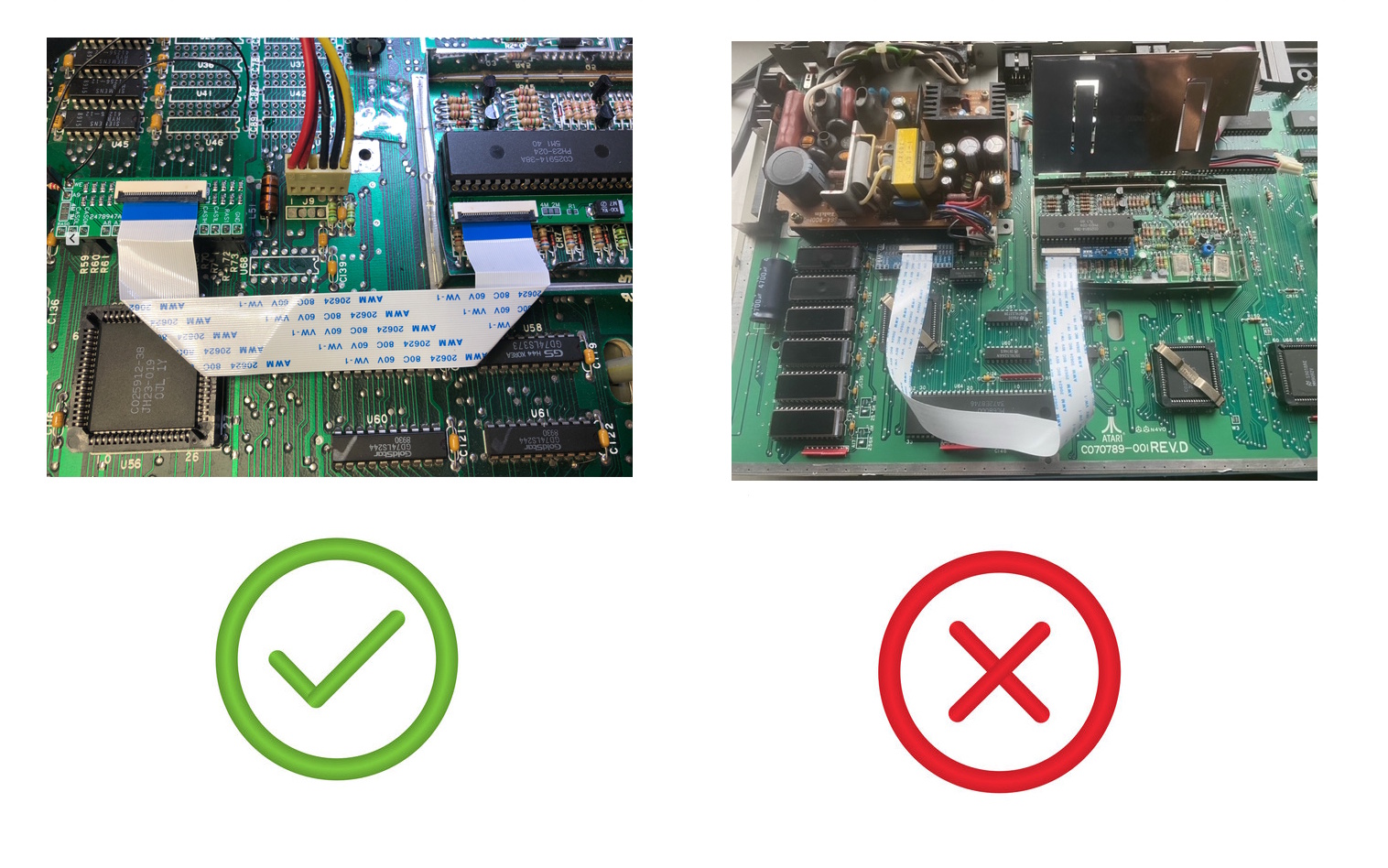
  • Connect both PCBs with supplied ZIF cable (you must see blue tabs)
    Heron tape connection
  • Ready :-)


Inside the box:

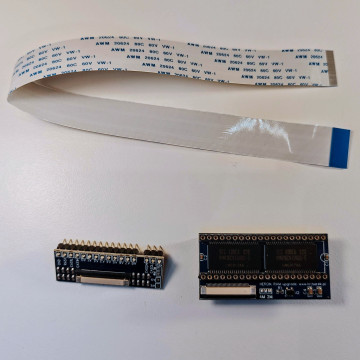
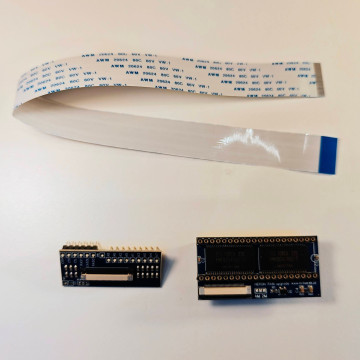
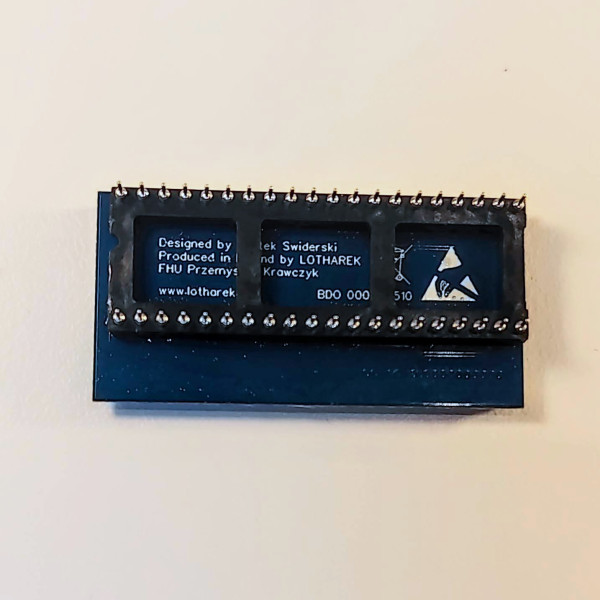
  • Heron 4MB main PCB
  • Universal adapter
  • 20cm ZIF cable


HERON_UNIVERSAL

You might also like