SD Drive Mini
search
  • SD Drive Mini
  • SD Drive Mini
  • SD Drive Mini
  • SD Drive Mini
  • SD Drive Mini
SD Drive Mini
SD Drive Mini SD Drive Mini SD Drive Mini SD Drive Mini SD Drive Mini video video

SD Drive Mini

£34.00
VAT included Free delivery

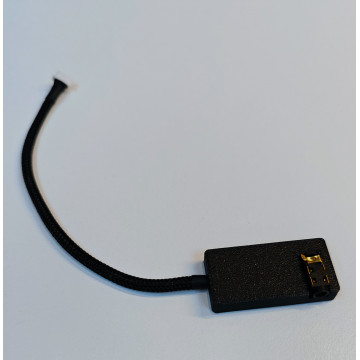
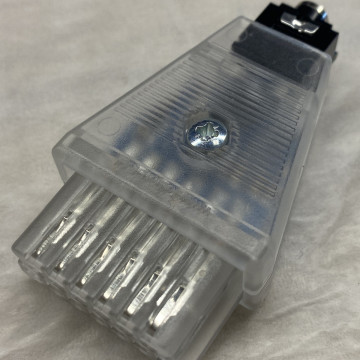
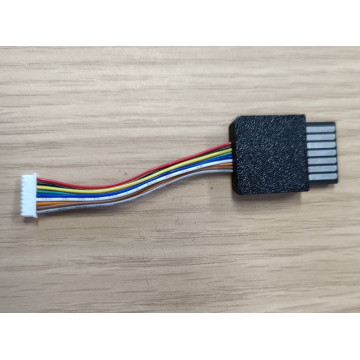
Simple SD based loading device within SIO plug

Quantity
In stock


Delivery information


Returns policy


Warranty information

SD Drive for Atari 8-bit with few hardware changes: 

  • no more SD CARD NOT DETECTED - AVR and SD card talk to each other with no odd resistor dividers - just direct connection with SPI communication made the proper way
  • AVR runs at 3v3
  • tiny AVR in QFN package, thus 14MHz at 3v3 possible and real
  • 402 SMD elements used
  • level shifting between SIO and AVR removed! Atari reads 3v3 at SIO port 


Buttons and LEDs  

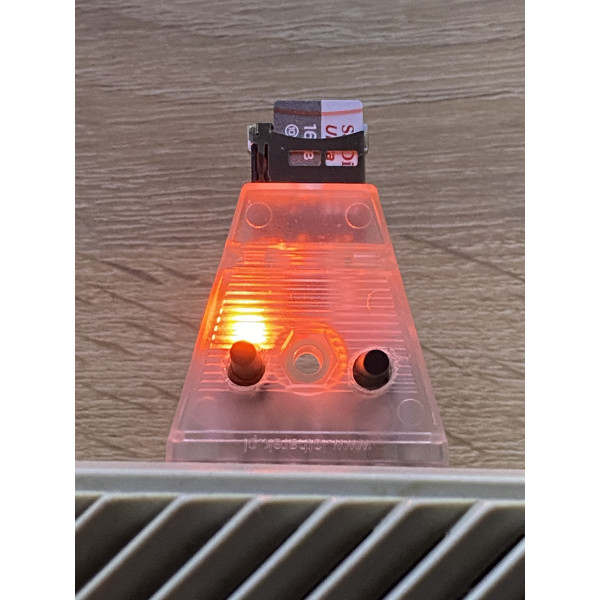
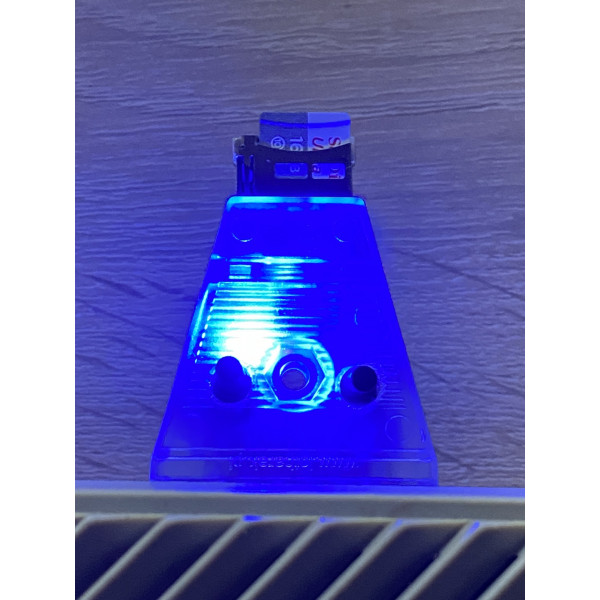
  • Pressing left button selects next drive (D1: -> D2: -> D3: -> D4:)
  • Pressing right button cycles through drives in opposite direction
  • 2 buttons pressed together - resets the device; loader contained in SDRIVE.ATR will load after next Atari reset
  • 6 LEDs indicate as follows:
    • two red ones indicate SD card activity and error
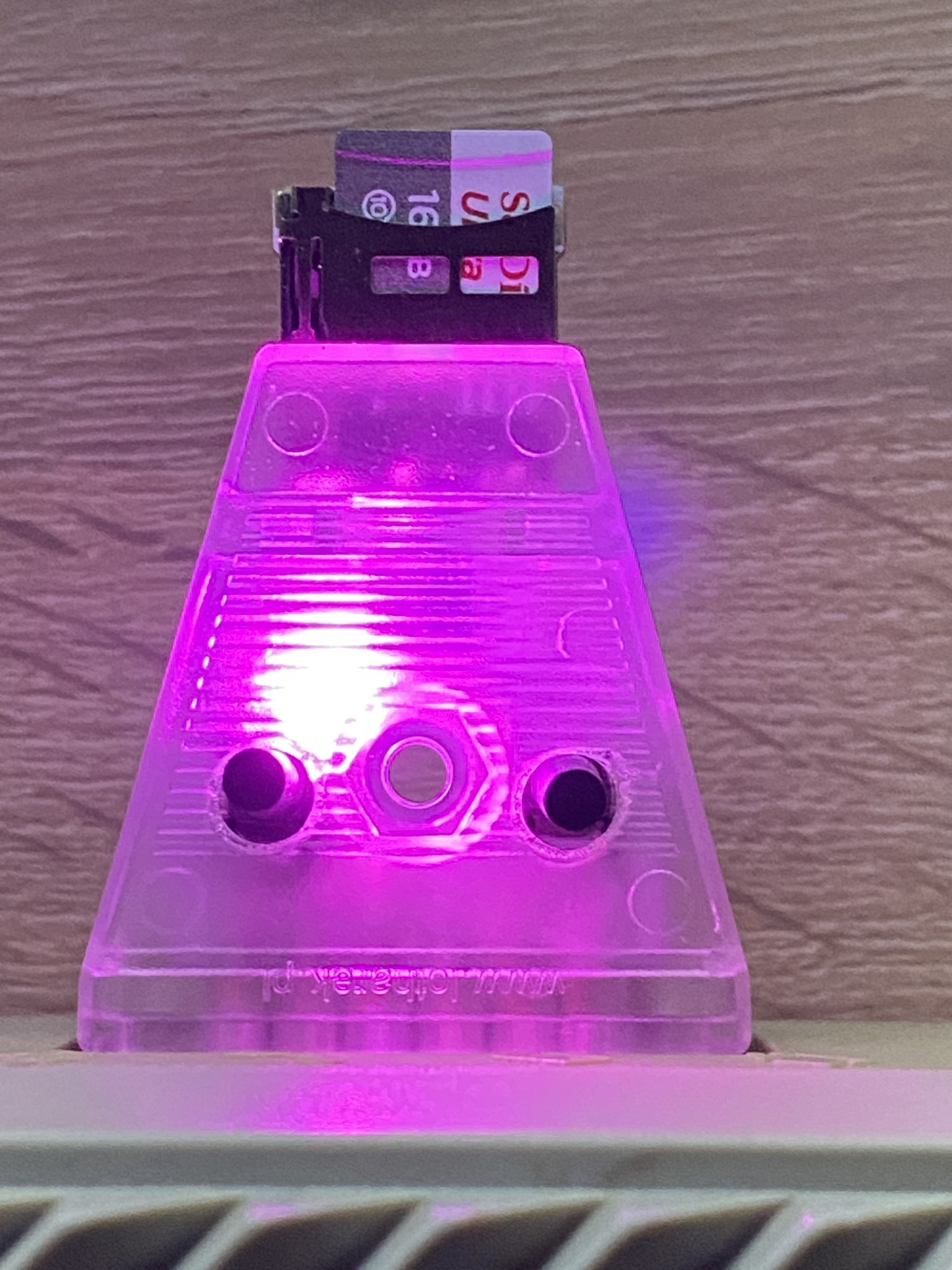
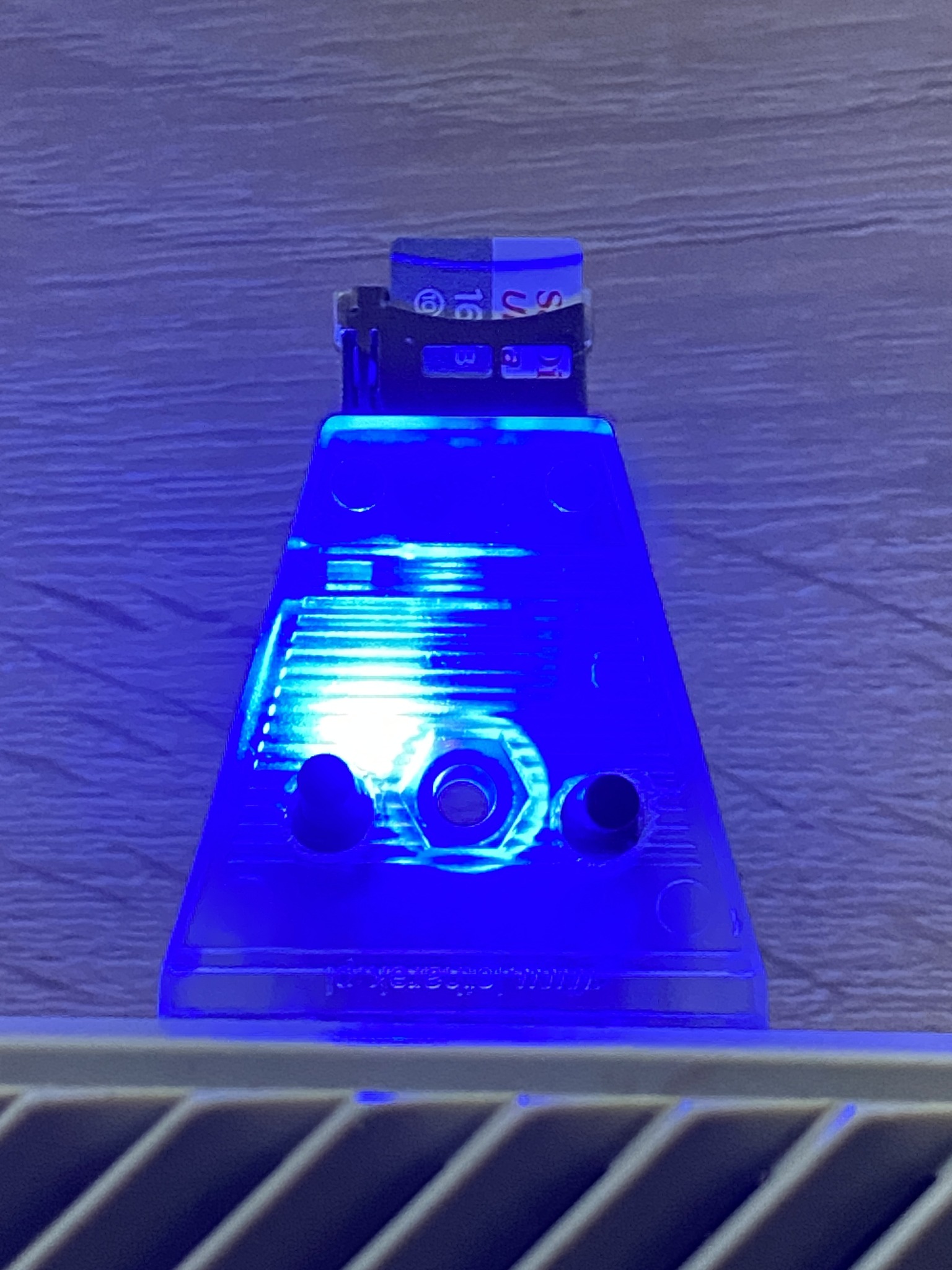
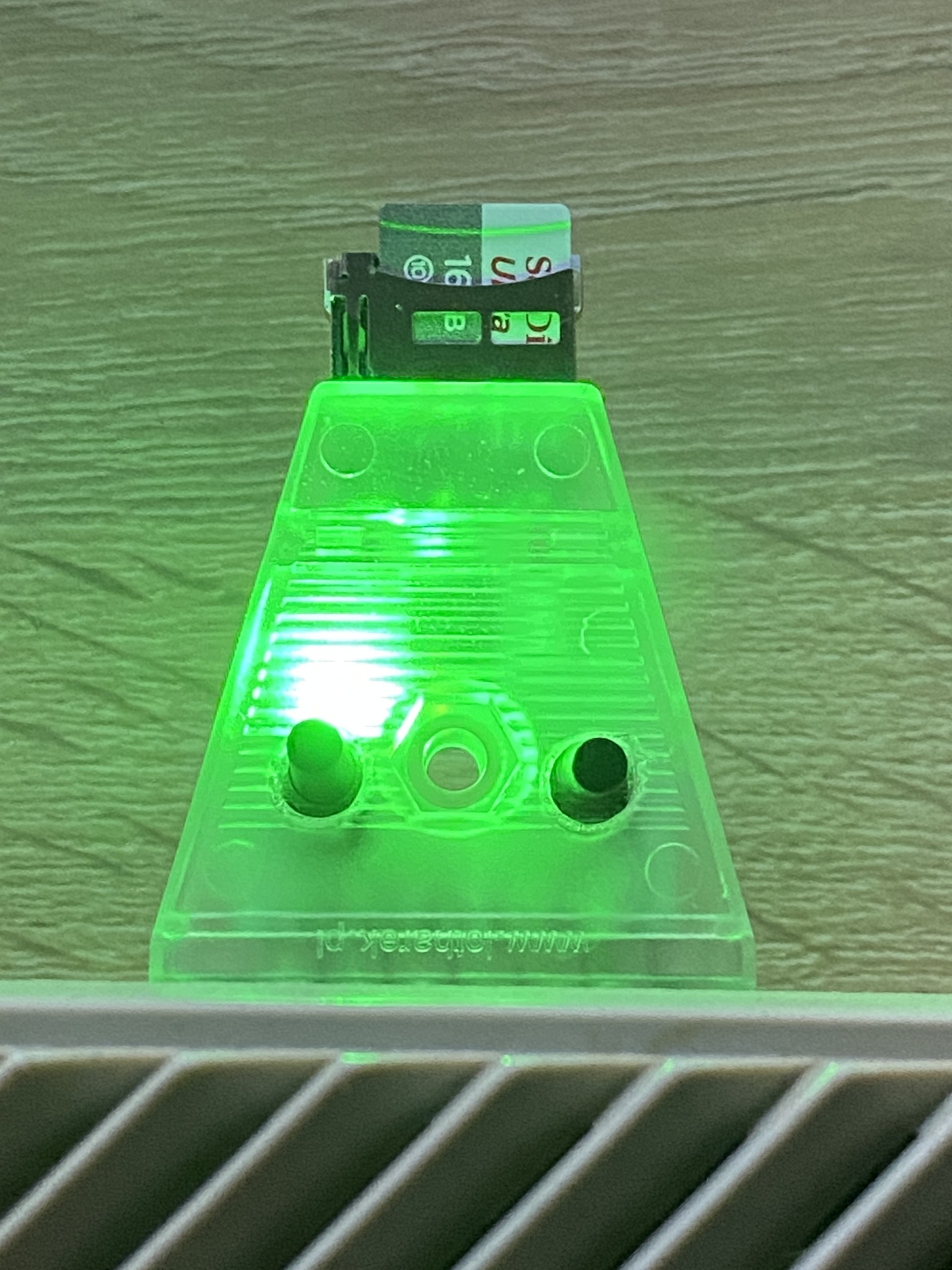
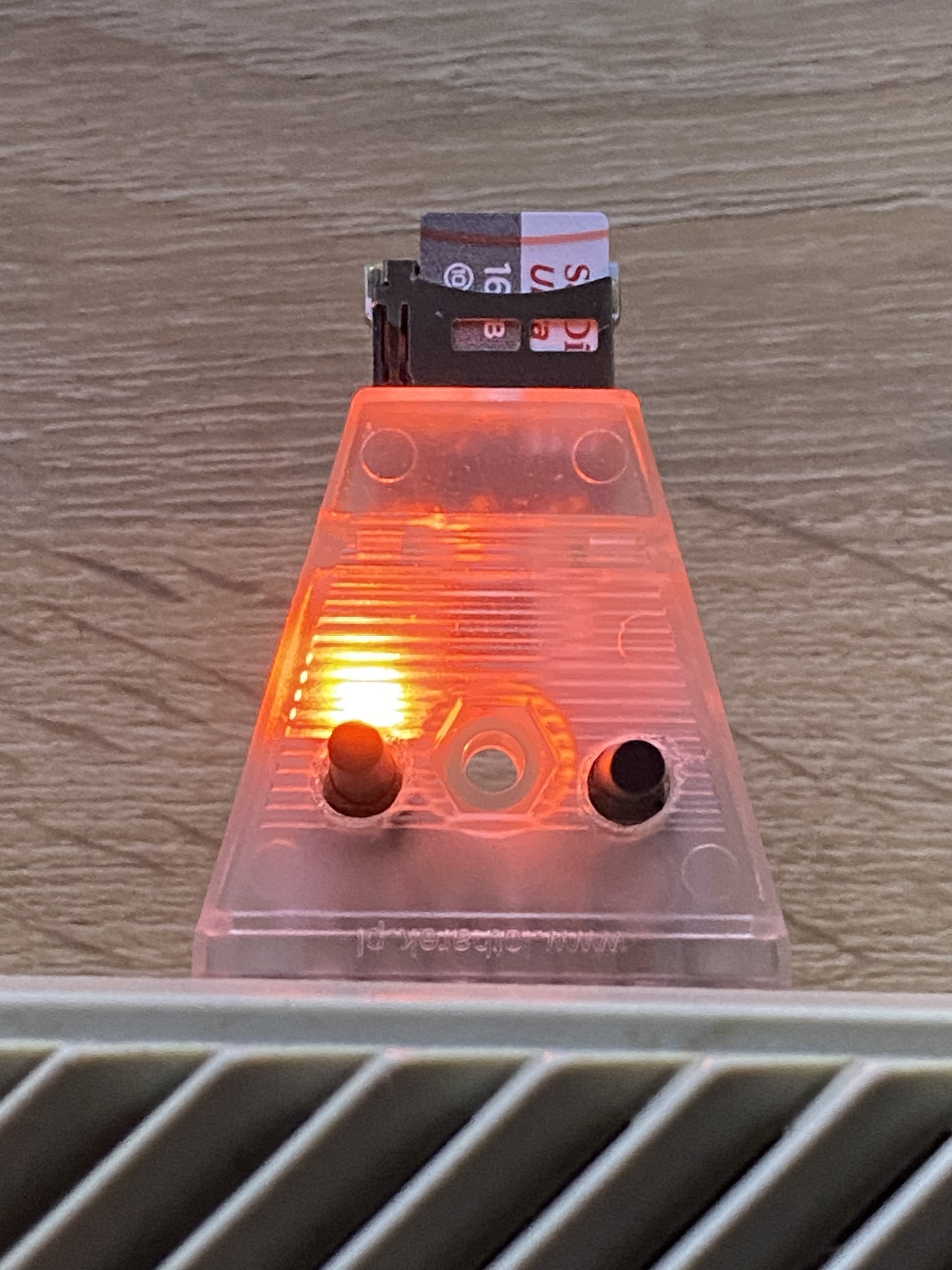
    • another 4 LEDS indicate selected drive: D1: PINK, D2: BLUE, D3: GREEN, D4: ORANGE
SDDRIVE_5.jpg SDDRIVE_6.jpg `SDDRIVE_7.jpg SDDRIVE_4.jpg
PINK BLUE GREEN ORANGE
Slot D1: selected and used as Atari drive no 1 Slot D2: selected and used as Atari drive no 1 Slot D3: selected and used as Atari drive no 1 Slot D4: selected and used as Atari drive no 1


How to use?

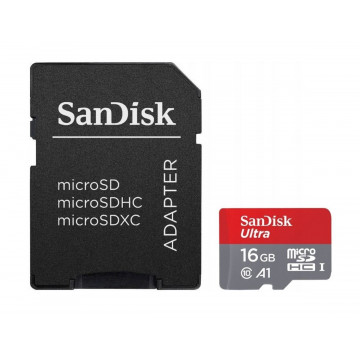
  • Get decent microSD card
  • Format it to FAT32
  • Put SDRIVE.ATR file on it (available in Downloads above)
  • Put also some games and demos. You can use subfolders
  • Insert SD card into the SD Drive Mini
  • Connect it to Atari SIO port and power on
  • All LEDS should power on creating white coloured light
  • Red LED shall blink once indicating that the SD card has been detected
  • Choose files you want and assign them to drives D1: -> D4: slots using Tab, cursors and Return
  • Reset the Atari
  • File assigned to D1: shall load (remember to hold Option to disable Basic if required)
  • To select another slot press left and right buttons - device will indicate which slot is active with proper colour. Reset your Atari again
  • To start file selector again (SDRIVE.ATR), reset SD Drive Mini by holding both buttons on the device and then reset Atari
SDDRIVEMINI

You might also like