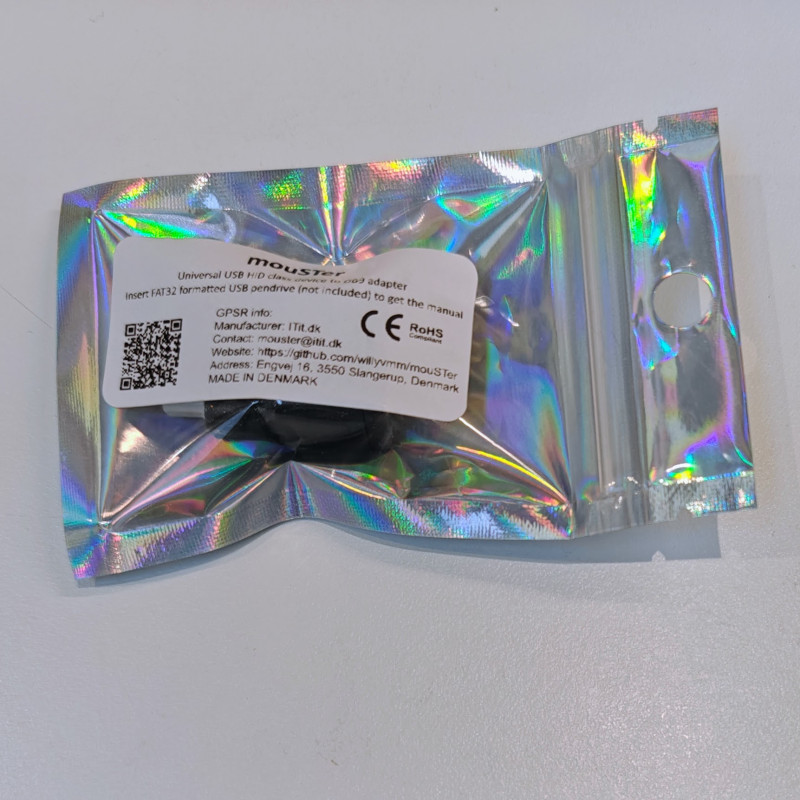





mouSTer – Modern mouse adapter for retro computers

Delivery information

Returns policy

Warranty information
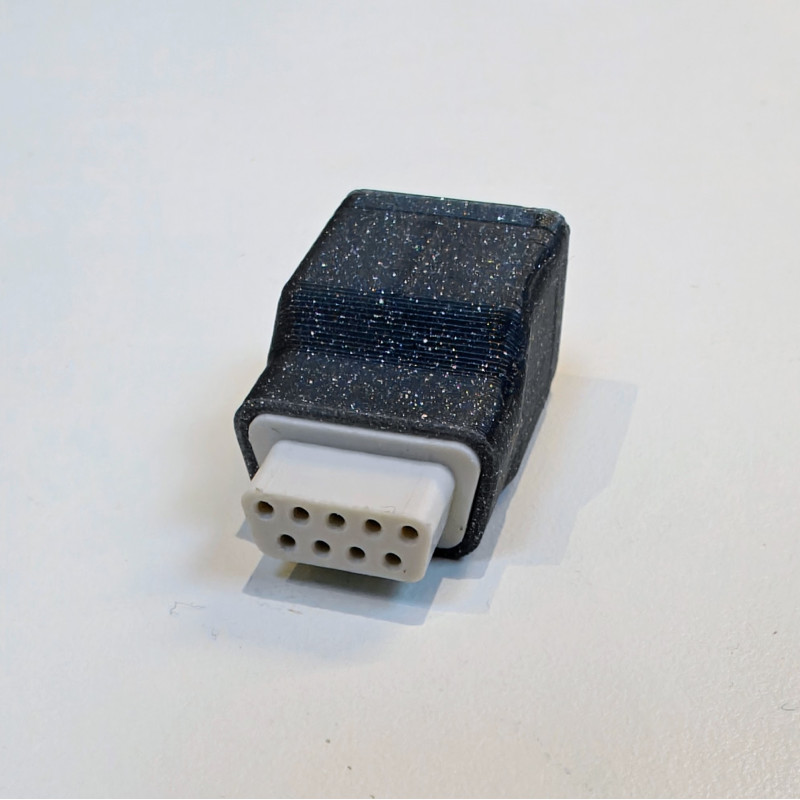
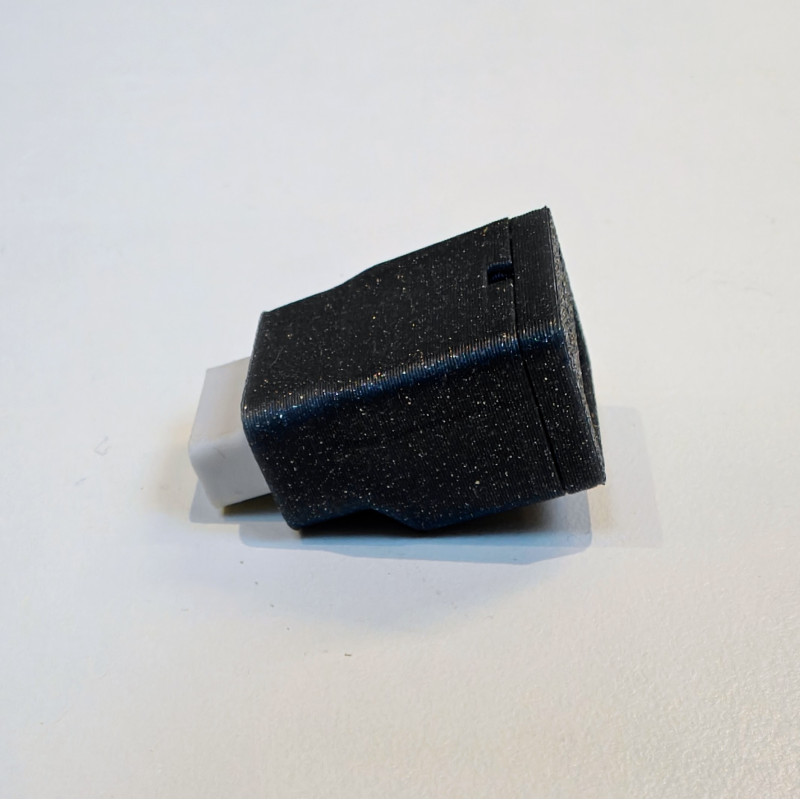
The mouSTer is a device that allows connecting any USB (not ps/2 protocol type only) mouse to as many old computers as possible.
The project aims to be as universal as possible, meaning, with time, it will support as many retro computers as electronically possible.
Firmware is in constant development.
At the moment the following retro platforms are fully supported:
It also supports nearly all USB flash drives (config dump and upload), PlayStation 4 controller, and nearly every USB mouse. For obvious reasons, all those mouse devices with lots of LEDs and additional electronics might not work due to the poor current output of DB9 ports in old computers. Technically mouSTer supports these devices but there simply won’t be enough juice to power them.
Supported HID devices:
The vast majority of mice are supported with the exception of power-hungry and LED-packed mice.
Supported controllers:
Future support with minor hardware changes for SEGA consoles and possibly XT PC.
Wireless support for gamepads is also work-in-progress but it might take a while.
Also wireless support for dongle pads like Xbox360 and many more. We are also open to suggestions.
Firmware updates can be downloaded from here.
The user’s manual is available inside a mouSTer.ini file after connecting the USB thumb drive.
More information about the project is here.
mouSTer – Modern mouse adapter for retro computers